Stay Connected Through the Famly App

Download the App
Stay connected through the Famly app
Connected Every Day

Everything You Need in One Place
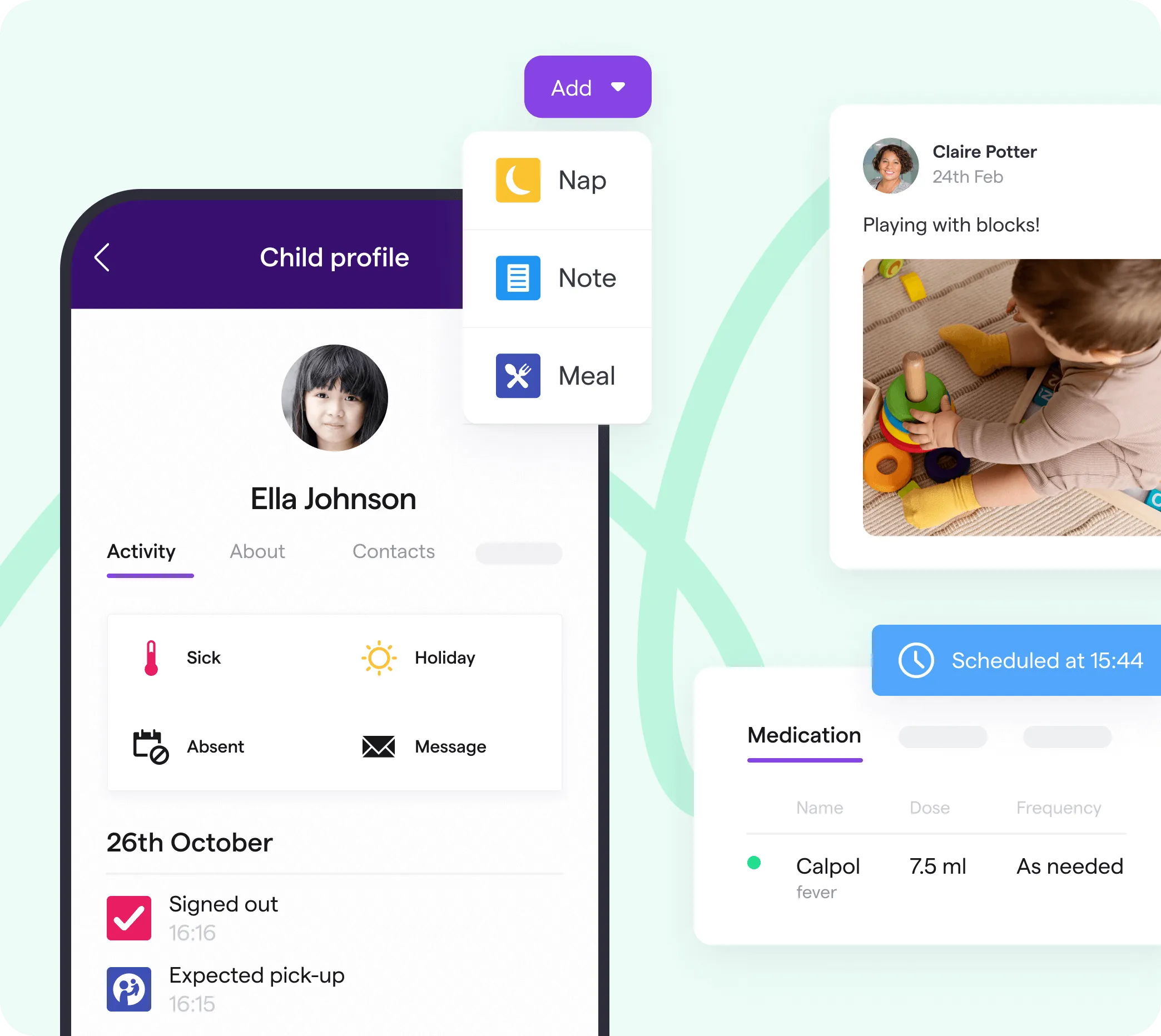
πŸ”’ Secure Parent Access πŸ“Έ Photos & Special Moments πŸ’¬ Direct Messaging ⭐ Daily Updates πŸ‘©β€πŸ« Contact Your Child’s Practitioner
🍎 Meals & Care Updates πŸ“’ Nursery Announcements πŸ“ Digital Forms πŸ“… Report Holidays & Absences πŸ’œ Stay Part of Their Day
Shooting Stars practitioner using the Famly app

A Window Into Your Child’s Day

We use the Famly app to make communication between nursery and home simple, secure and meaningful.

Parents can receive photographs, daily care updates and important announcements, while also messaging their child’s practitioners directly. From meals and sleep to observations and special moments, Famly helps you feel connected to your child’s nursery experienceβ€”even when you cannot be there.

βœ“

Photographs and daily updates

βœ“

Direct practitioner messaging

βœ“

Meals, sleep and care information

βœ“

Report holidays and absences

βœ“

Nursery news and reminders

βœ“

Documents and permissions

Manage Your Nursery Fees Through Famly

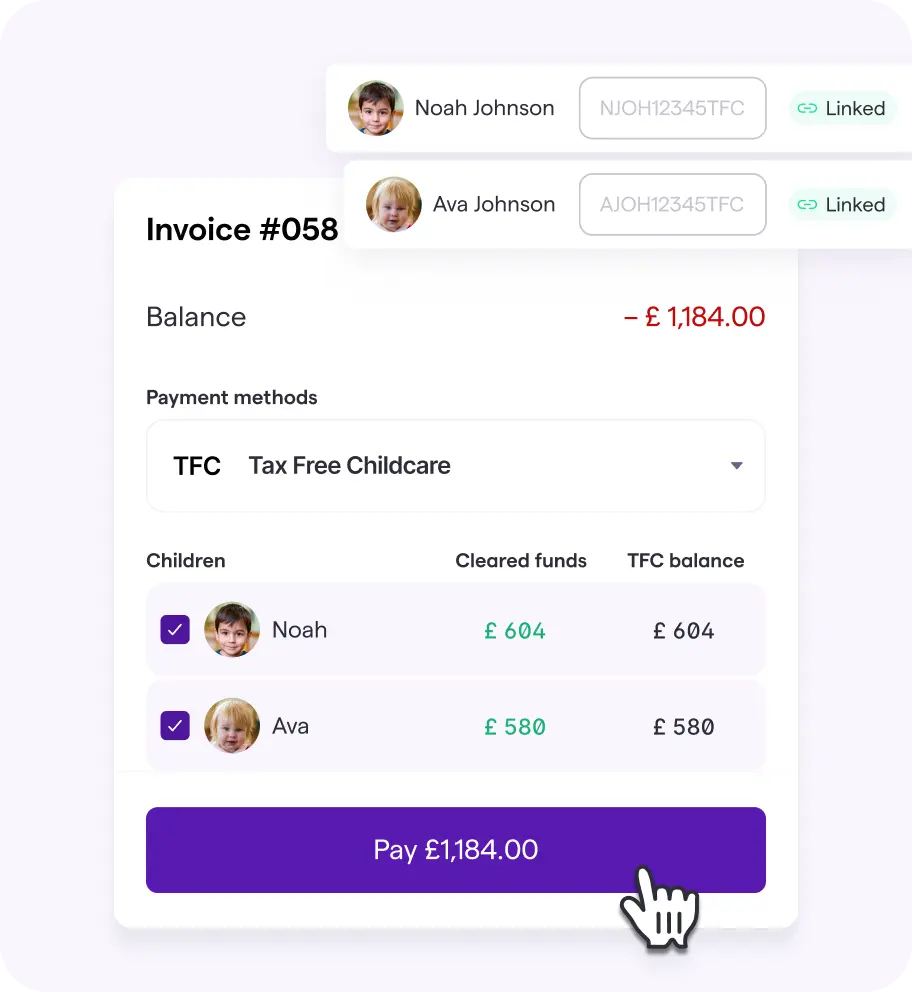
Famly gives you a clear and convenient way to view your invoices, manage your balance and keep track of nursery payments.

Monthly Invoices

Your childcare invoice is issued every month through Famly, giving you a clear breakdown of your fees, funding and balance.

Pay Through the App

View your outstanding balance and make payments from one convenient place without needing to contact the nursery.

Link Tax-Free Childcare

Eligible parents can connect their Tax-Free Childcare account to Famly and use it to pay towards their nursery fees.
Explore Fees & Funding
Managing nursery fees and invoices through the Famly app
Three Simple Steps

Getting Started Is Easy

We’ll help you get connected so you can start receiving updates from your child’s nursery.

01

Step One

Receive Your Invitation

Once your child joins Shooting Stars, we’ll send a Famly invitation to your registered email address.

02

Step Two

Download the App

Download Famly from the Apple App Store or Google Play Store, then open the invitation we sent to you.

03

Step Three

Create Your Account

Create your password, choose your notification preferences and start receiving updates from your child’s nursery.

Already Received Your Invitation?

Download the app and start staying connected today.

How to Use Famly
Download the App
We’re Here to Help

Need Help With Famly?

If you haven’t received your invitation, are having trouble logging in or need help finding something in the app, our nursery team is happy to help.